
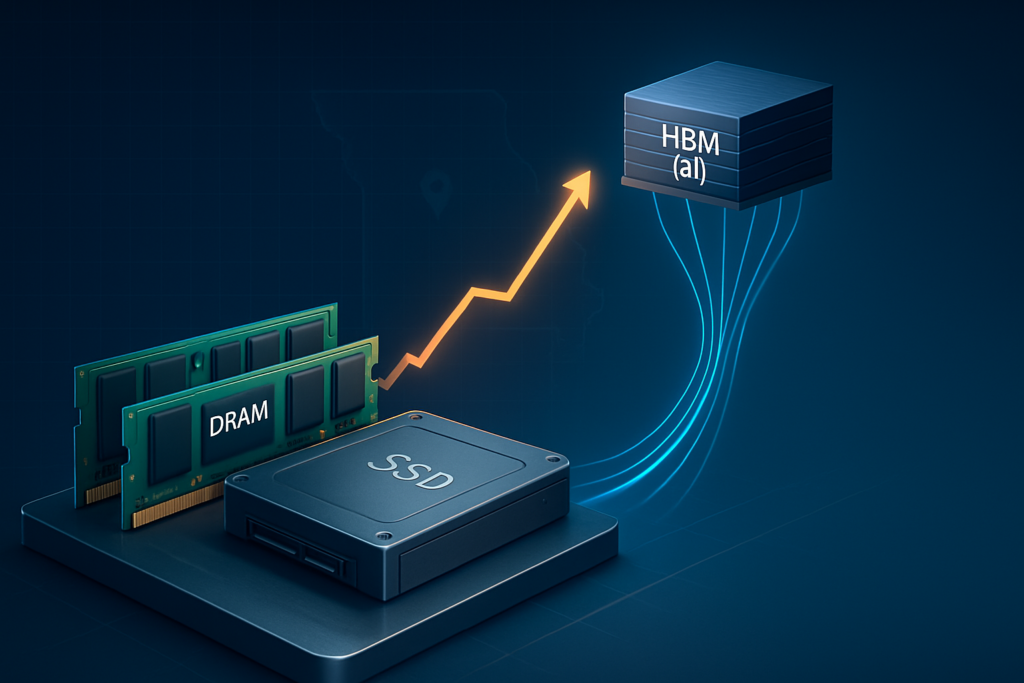
DRAM: Memory costs are being pulled toward AI
There’s been an ongoing memory supply crunch playing out globally. Starting in 2024, manufacturers began shifting production capacity toward high-margin memory products like HBM for AI workloads. That shift constrained supply for the more traditional DRAM used in everyday PCs and servers.
What that looks like in practice:
- A multi-year memory shortage that started in 2024 and hasn’t fully resolved
- DRAM prices up well over 50 percent from prior lows, with some segments seeing much steeper spikes
- Volatile contract pricing for server memory, especially high-capacity DIMMs
The bottom line for a typical business configuration is straightforward. The 128 GB of RAM that went into a small host or virtualization server a few years ago costs noticeably more today, even when the rest of the hardware stack looks similar on paper.
SSDs: NAND flash contract prices have been climbing too
The SSD picture is similar. TrendForce reported that NAND flash contract prices were expected to rise roughly 15 to 20 percent in early 2024, with enterprise SSD prices forecast to jump further as buyers stocked up ahead of peak seasons. Manufacturers had also cut production during the prior low-price period, which tightened the market once demand came back.
For Missouri businesses looking at a storage refresh, that translates to a few specific realities:
- Larger capacity SSDs cost significantly more than they did in 2022 or 2023
- Entry-level server or SAN configurations may come quoted with less default capacity
- Upgrades to existing systems are running higher than most people expected
How Rising Hardware Costs Hit Small Businesses In Missouri
Because InfiniTech works with organizations across the state, these trends aren’t abstract. They show up in very specific ways on real projects.
1. Hardware refresh projects are harder to justify
A typical three to five year server refresh cycle already competes with other priorities: line-of-business software upgrades, facilities spending, new hires. When replacement hardware costs 15 to 30 percent more for the same or only marginally improved specs, it gets tempting to delay.
The problem is that pushing equipment past its recommended lifecycle carries real risks:
- Higher failure rates for drives and DIMMs
- Longer outages when parts fail, because older components are harder to source
- Inability to run current operating systems or applications that require more RAM and storage
It’s a classic tradeoff between saving on capital now and absorbing higher operational and risk costs later. Neither option is great, which is why having a partner who can help you model both scenarios, with real numbers, makes a meaningful difference when you’re sitting in a budget conversation.
2. “Bare minimum” specs create performance bottlenecks
When budgets are tight, it’s common to trim memory and storage in quotes to keep the total project cost down. Opting for 64 GB of RAM where the environment really needs 128 GB, or choosing smaller SSDs that will be at 70 to 80 percent utilization shortly after deployment, makes the initial invoice easier to sign. But it introduces chronic performance problems down the road. Virtual machines contend for memory. Databases run hot. File servers struggle under routine workloads. You end up paying more in troubleshooting, emergency upgrades, and lost productivity than you saved on the front end.
Part of what InfiniTech does in the consulting engagement phase is help clients understand what “right-sized” actually looks like for their specific workloads, before a purchase is made, so these tradeoffs are visible and intentional rather than discovered after the fact.
3. Local workloads compete with remote and hybrid work needs
Many Missouri businesses now operate with a mix of on-premises systems and cloud services, plus a hybrid workforce. Local servers still need enough RAM and SSD throughput to run core apps, domain services, and file shares. At the same time, users expect fast access to Microsoft 365 and cloud line-of-business applications. When hardware is undersized because of cost pressure, everything from logins to file access to remote sessions can degrade. The user experience suffers, and IT teams absorb the complaints.
4. Budget unpredictability complicates planning
When quotes for similar capacity servers and storage creep higher every year, it becomes difficult for owners, controllers, and IT managers to build accurate multi-year budgets. Surprise hardware cost increases show up as unplanned capital requests, or force cuts in other areas. Security investments are often the first thing on the chopping block, which creates a different kind of risk entirely.
This is one of the areas where working with a consulting partner pays off most directly. Rather than reacting to vendor quotes as they come in, InfiniTech helps clients build forward-looking cost models that account for component price trends, refresh cycles, and cloud offload opportunities, so that budget conversations are driven by data rather than guesswork.
Strategies To Manage Rising RAM And SSD Costs
You can’t control global memory markets. What you can control is how you design and operate your environment. The key is to use architecture, lifecycle planning, and managed services to offset raw component volatility.
1. Right-size infrastructure through Data Center and Cloud planning
InfiniTech’s Data Center and Cloud consulting work is built around a core question: which workloads belong on physical hardware, which belong in the cloud, and how do you balance performance, risk, and cost across both? That question leads to a design conversation, and that design conversation leads to a cost projection that’s grounded in your actual environment, not a generic quote.
Some practical approaches that come out of that kind of engagement:
Consolidation and virtualization. Use fewer, more capable hosts to run more workloads efficiently. Size hosts with realistic RAM and SSD capacity so you’re not hitting ceilings within a year of deployment.
Hybrid cloud usage. Keep latency-sensitive or compliance-sensitive workloads on-premises. Move bursty, storage-heavy, or disaster recovery workloads into the cloud where you pay as you go rather than pre-buying large SSD arrays.
Storage tiering. Use high-performance SSDs where they add the most value, like databases and virtual machine datastores. Use more cost-effective storage tiers in the cloud or on-premises for archival or infrequently accessed data.
Done well, this kind of planning can avoid pure “lift and replace” hardware cycles and stretch the value of every dollar spent on RAM and SSD.
2. Use Managed IT Services to extend hardware life safely
It’s possible to keep equipment in service a bit longer if it’s monitored proactively, kept current on firmware, drivers, and OS updates, and has solid backup and recovery behind it. InfiniTech’s Managed IT Services through InfiniCare focus on exactly that. By monitoring system health, performance, and error logs, it’s often possible to catch issues well before a failure and plan replacements on your schedule rather than in response to a crisis.
That means you can align purchases with more favorable pricing windows or with your fiscal calendar, instead of scrambling because something failed at the worst possible time. It also means your consulting roadmap stays intact, rather than being derailed by reactive spending.
3. Protect what you already own through strong Cybersecurity and Backup
As hardware gets more expensive, the cost of losing it to ransomware or data corruption grows right along with it. Cybersecurity and managed backup aren’t just technical considerations at this point. They’re financial ones.
InfiniTech’s Managed Security Services and MDR reduce the likelihood that servers or storage arrays get taken offline by an attack, and provide early detection if something suspicious is happening. InfiniVault, InfiniTech’s managed backup solution, ensures that even if a drive fails or data is compromised, you can restore quickly without being forced into a rushed, full hardware replacement.
A strong security and continuity posture reduces how often you end up buying your infrastructure twice because of an avoidable incident.
4. Leverage AI and Automation for better capacity planning
With AI-powered analytics applied to your environment, you can track RAM and storage utilization trends over time, identify which applications are driving growth, and forecast when you’ll hit specific thresholds. Instead of guessing whether you can push a purchase out another six months, you can look at actual projected utilization curves.
This kind of data also feeds directly into the consulting work. When InfiniTech helps a client build a three-year IT roadmap, utilization forecasts and cost projections are part of the deliverable, not just general recommendations. You walk away with something you can actually take into a budget meeting.
Intelligent process automation can also handle routine housekeeping tasks like log cleanup, temporary file removal, and lifecycle management of old data, which takes some of the pressure off storage growth without requiring manual effort.
What Missouri Business Leaders Should Do Next
You don’t need to become a DRAM or NAND flash market expert. You do need a structured way to keep these trends from catching your organization off guard, and ideally a partner who can help you stay ahead of them rather than just respond to them.
Here are practical starting points:
Review your current hardware lifecycle and refresh assumptions. List your critical servers, storage appliances, and key workstations. Map expected replacement years against current performance and risk. If you haven’t done this recently, it’s often the first thing InfiniTech works through with a new client.
Ask for a capacity and performance baseline. How much RAM and SSD are you actually using today? Which systems are consistently running near their limits? Where do you have excess capacity that could be consolidated? This baseline is the foundation for any realistic cost projection.
Evaluate whether a hybrid cloud or modernization project could offset hardware spend. Some workloads may be good candidates for moving to the cloud, reducing the scale of your next on-premises hardware refresh. A consulting engagement can help you model both paths side by side with projected costs attached.
Make sure Managed Services, Security, and Backup are in place. Proactive monitoring, managed security, and managed backup help maximize the life and value of the hardware you already own. That’s real money, and it shows up clearly when you’re comparing the total cost of a well-managed environment against one that isn’t.
Build a three-year IT roadmap that accounts for higher component costs. Align capital plans with realistic cost assumptions for memory and storage. Phase projects so you’re not forced into multiple large purchases in the same fiscal year. This is something InfiniTech can build with you, not just hand to you as a template.
Rising RAM and SSD costs are a real headwind, but they don’t have to derail your plans. With thoughtful design across Data Center and Cloud, proactive Managed Services, strong Cybersecurity, and intelligent use of AI and Automation, Missouri businesses can stay ahead of these trends. The difference between managing through it and being caught off guard often comes down to whether you have a partner who’s helping you see around corners, not just fixing things when they break.
If you’d like to talk through what a cost projection or IT roadmap engagement looks like for your organization, InfiniTech is a good place to start.